Photography Refined.
Editorial imagery for modern stories.
About the Studio
PrismFrame Studios is a fictional photography company built around thoughtful direction, polished image sets, and a calm production process. The studio creates visual stories for brands, couples, creative teams, and editorial projects that need a clear point of view.
Every collection is shaped to feel intentional from the first frame to the final edit. Lighting, composition, pacing, and delivery are considered together so each gallery can stand on its own while supporting a larger campaign, celebration, or personal archive.
Studio Services
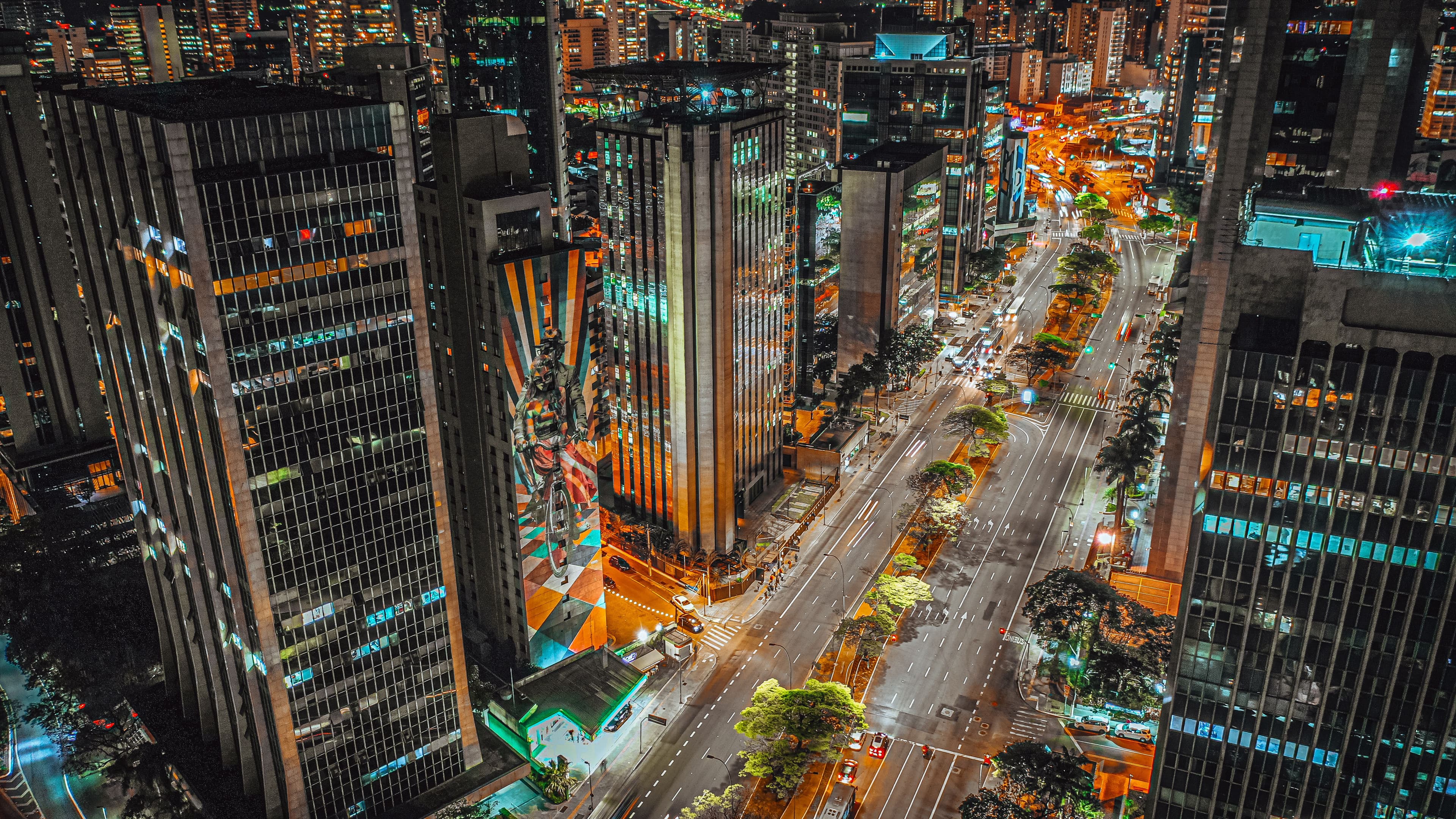
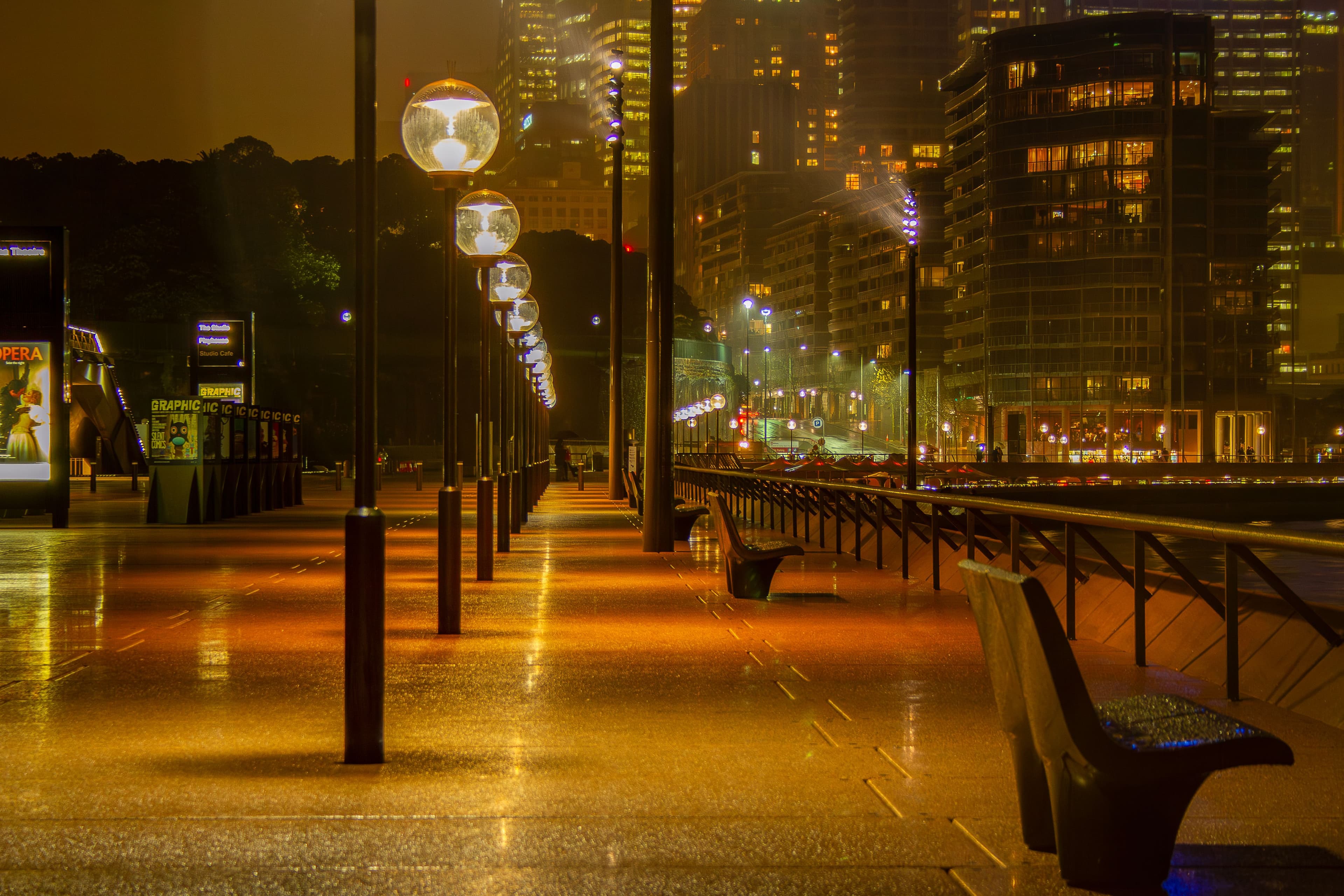
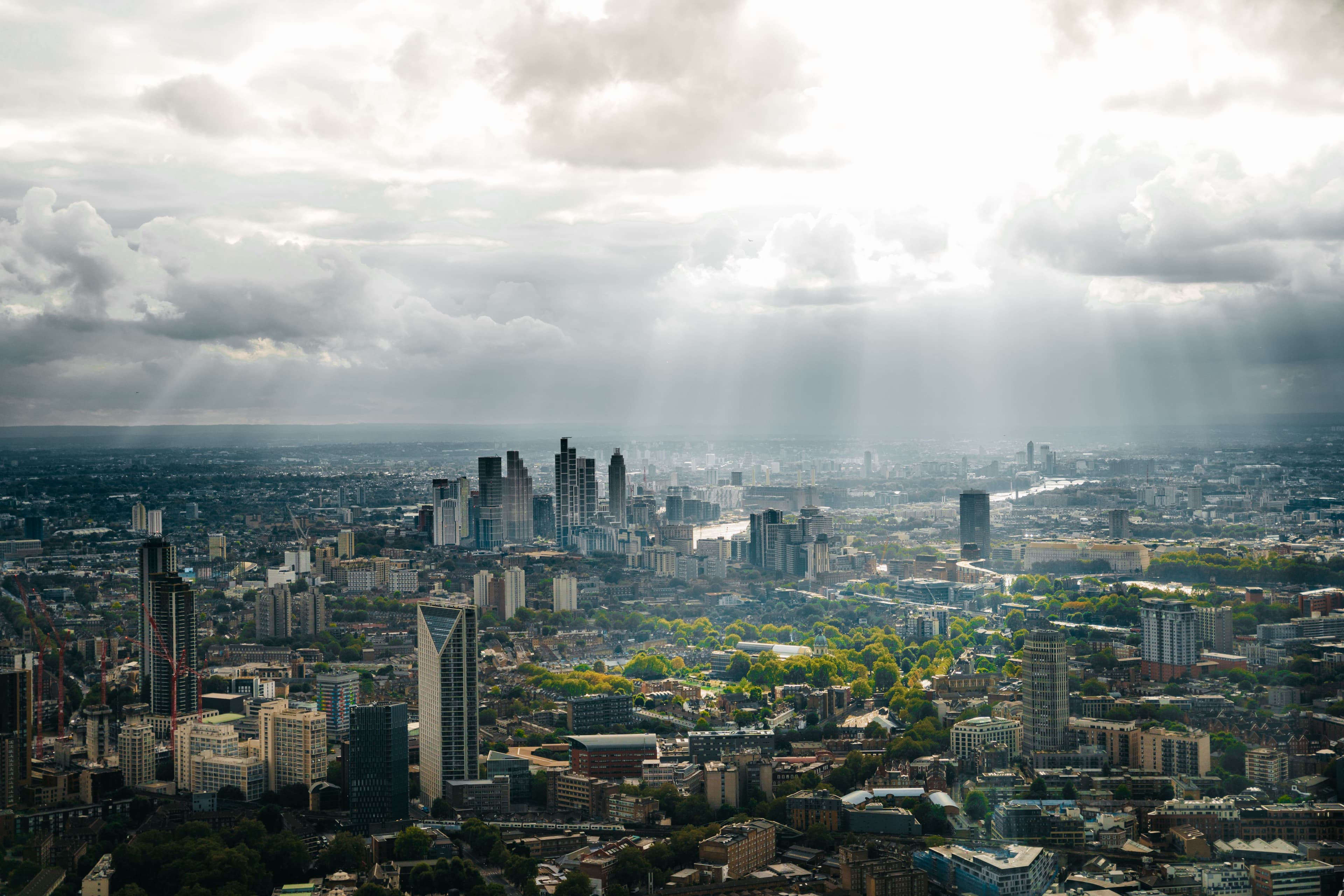
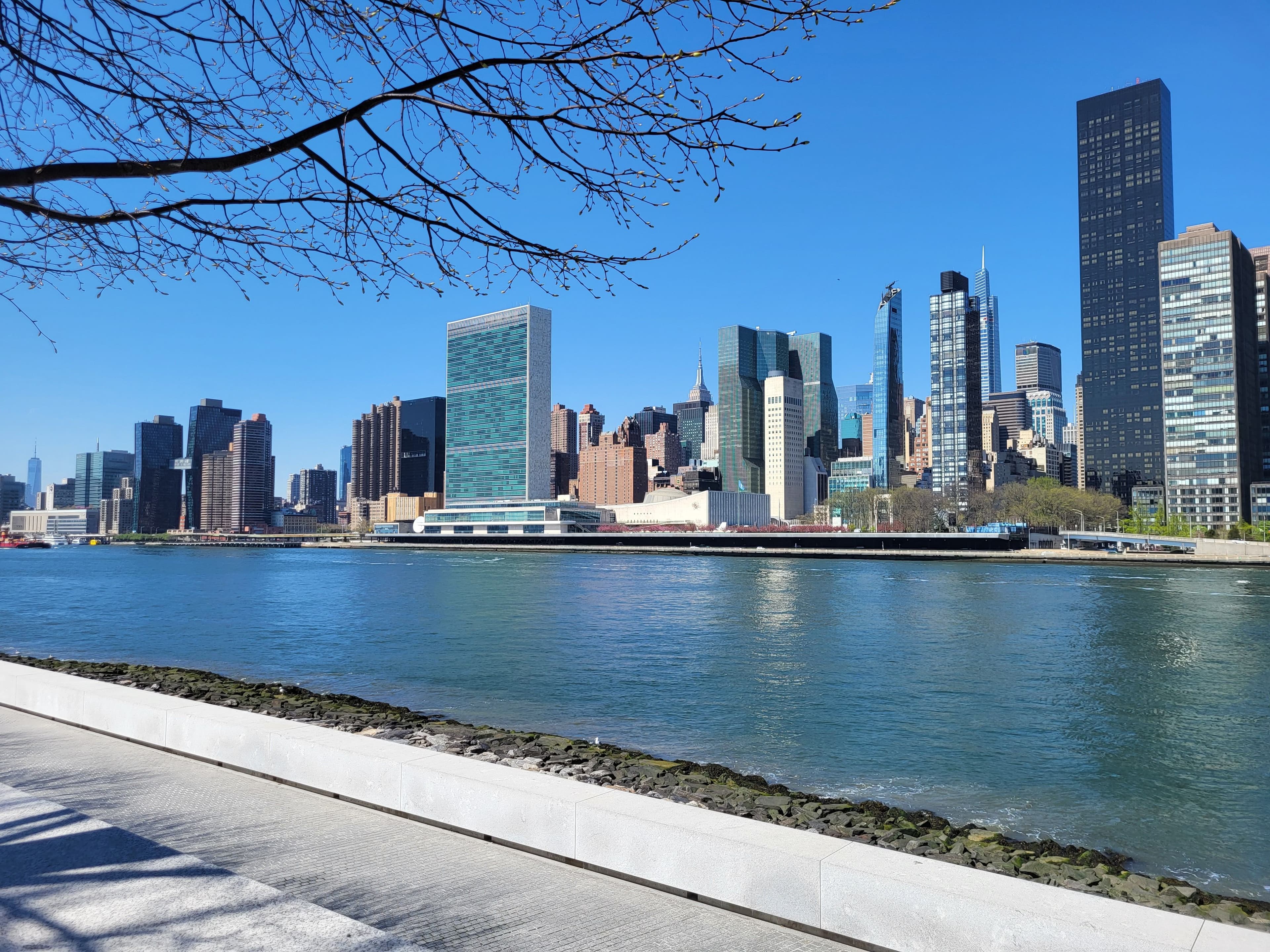
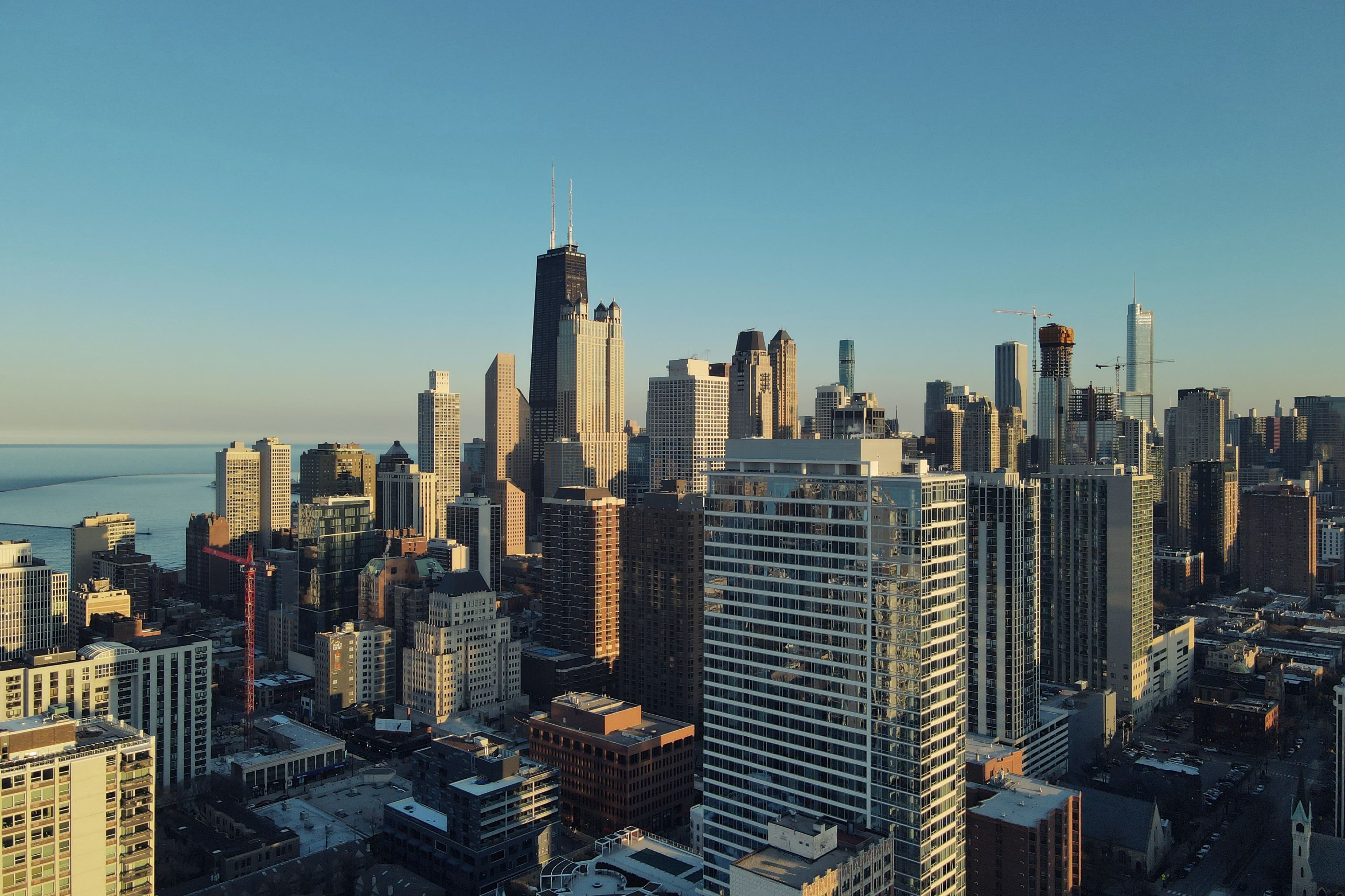
- City and architecture photography for urban editorials, travel features, and location-led campaigns.
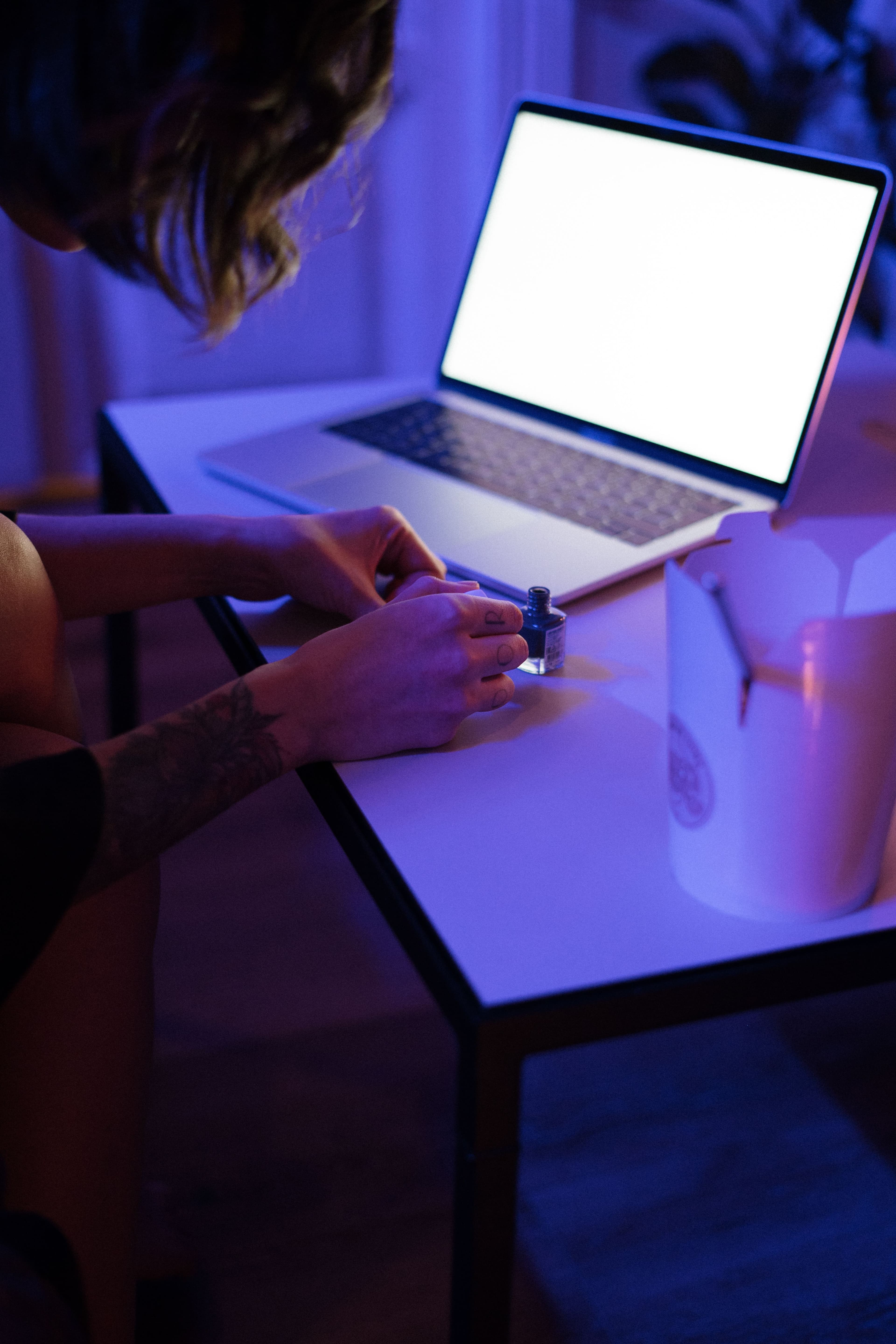
- Portrait sessions for personal branding, editorial profiles, studio looks, and natural-light stories.
- Wedding coverage focused on atmosphere, emotion, ceremony details, and unscripted moments.
- Product photography for beauty, lifestyle, launch campaigns, and commerce-ready visual systems.
Creative Approach
The studio works with a restrained visual language: strong framing, purposeful color, balanced contrast, and edits that feel complete without overpowering the subject. Each project begins with a simple brief and moves through planning, capture, selection, and final image preparation.
This demo presents PrismFrame Studios as a sample photography brand for template preview purposes. Replace the company details, services, and project narratives with real business information before publishing a finished client site.

Start a Conversation
Tell PrismFrame Studios about the assignment, timeline, location, and the kind of images you need. This sample contact area is suited for session requests, brand briefs, wedding coverage, and editorial inquiries.
The email and phone details shown here are dummy values for demonstration and should be replaced before publishing a real site.
This map uses Google Maps. Use is subject to the Google Maps terms and Google Privacy Policy. See our Privacy Policy.